The adviser work flow is rapidly changing. Client meetings happen in living rooms, offices, coffee shops, and over video calls. The paperwork, however, still tends to pile up back at the desk. We built the Automwrite mobile app to solve this problem, among others.
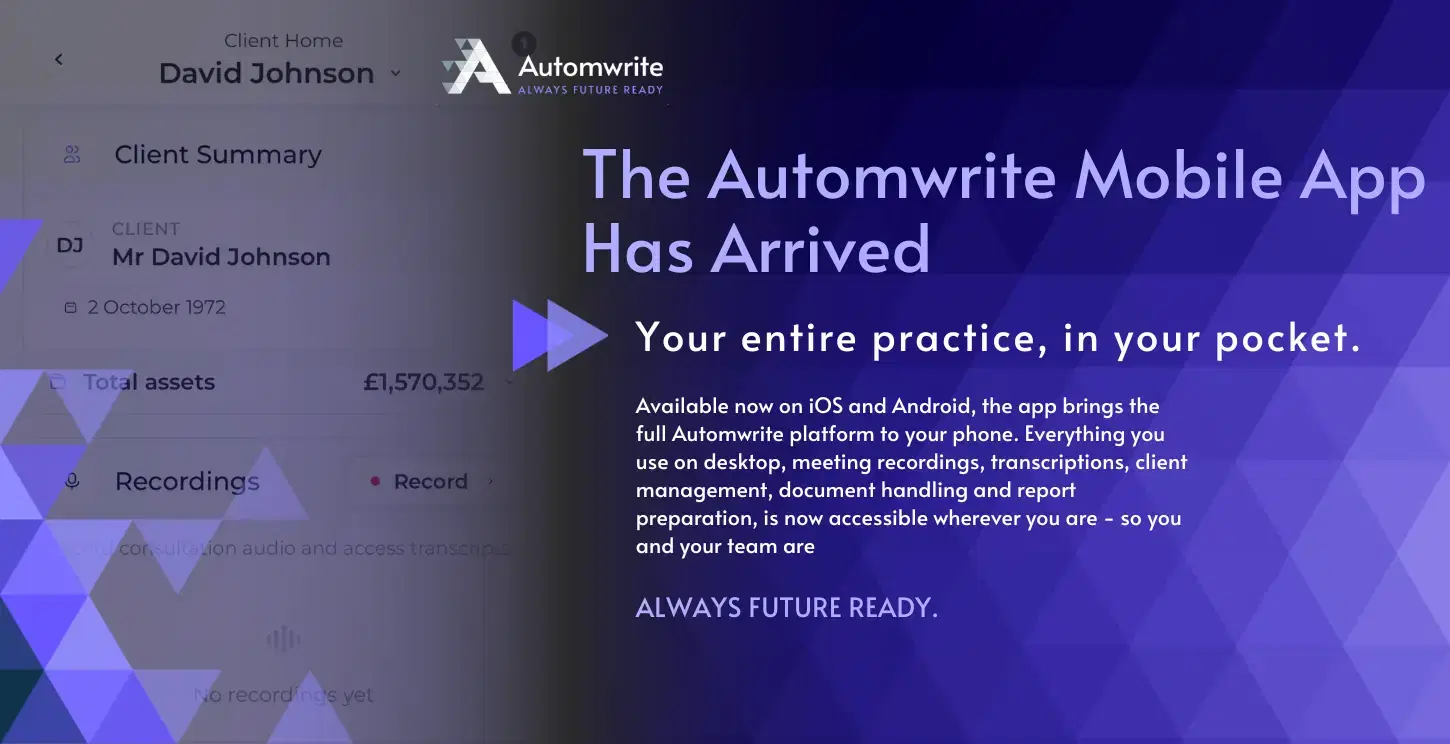
Available now on iOS and Android, the app brings the full Automwrite platform to your phone. Everything you use on desktop, meeting recordings, transcriptions, client management, document handling and report preparation, is now accessible wherever you are.

What Does The Automwrite App Do?
The app was designed around how advisers work when they are in the field.
Meeting Recording – Record client meetings directly in the app. Audio is transcribed and synced to the client’s CRM workspace automatically. No separate transcription tools, no manual uploads.
Document Capture – Photograph client documents on the spot. The data is extracted and added to the client file without any manual typing.
Fact Find Creation – Complete fact finds during appointments. Clients can review and sign off immediately, which means one fewer follow-up task after the meeting.
AI Client Assistant – Ask questions about your client’s file in plain English. The assistant draws from all uploaded documents, notes, and meeting transcripts to give you answers in real time.
Full Client Management – Create new client records, update existing ones, and review case details, all from your device.
How Automwrite Makes An Impact On The Adviser Workflow
Advisers consistently tell us that the gap between a client meeting and the admin that follows is where time gets lost. Notes go cold. Details blur. The follow-up cycle stretches longer than it needs to.
The mobile app was built to collapse that gap. When you record a meeting and it lands directly in the CRM, there is no reconstruction needed afterwards. When a fact find is signed at the table, that is one fewer task in the queue. When you can check a client’s details before walking into a meeting — from your phone, in the car park — you are better prepared and more present.
Now, the data that feeds your reports, your compliance documentation, and your client relationships is captured at the point of contact rather than hours later from memory.
How It Works With the Desktop Platform

Everything in the app syncs directly to your Automwrite CRM workspace. Data is captured on mobile via meeting recordings, documents, fact find completions, or photos of your documents and is available immediately on desktop. When you sit down to generate a suitability report, all the information is already there.
The desktop platform’s core workflow remains the same: upload your data, ask in plain English, and receive a CIP-aligned suitability report in seconds, branded to your firm and ready for your review.
How Do I Download the Automwrite App?
The app is available to download now from the App Store and Google Play. If you are already an Automwrite user, log in with your existing credentials. If you are new to the platform and want to see how it works, book a demo with our team.
FAQ
Is the app included in my existing Automwrite subscription? Yes. The mobile app is part of your current plan. Download it and log in with your existing credentials.
Will my mobile data appear on desktop automatically? Everything captured in the app like your meeting recordings, documents, or fact finds syncs directly to your Automwrite CRM workspace and is available on desktop immediately.
Can my clients sign fact finds on my phone? Yes. Clients can review and sign off on fact finds during the appointment, directly on your device.
Is the AI assistant available on mobile? Yes. The same AI client assistant you use on desktop is fully available in the app. Ask questions about any client file in plain English and get answers drawn from their uploaded documents, notes, and transcripts.
Which devices are supported? The app is available on iOS (App Store) and Android (Google Play).
I am new to Automwrite. Can I try the app first? Book a demo with the team at automwrite.co.uk/contact and they will walk you through both the desktop platform and the mobile app.