Automwrite vs Obsidian
Adviser workflow in common. Automwrite's full report path is testable today.
Automwrite checks missing information, conflicting records, and firm rules before report writing begins. Obsidian's AI-assisted output is reviewed by the adviser. The Automwrite case then continues through linked advice, professional approval, Word output, and signing.
Self-onboard in 2 minutes
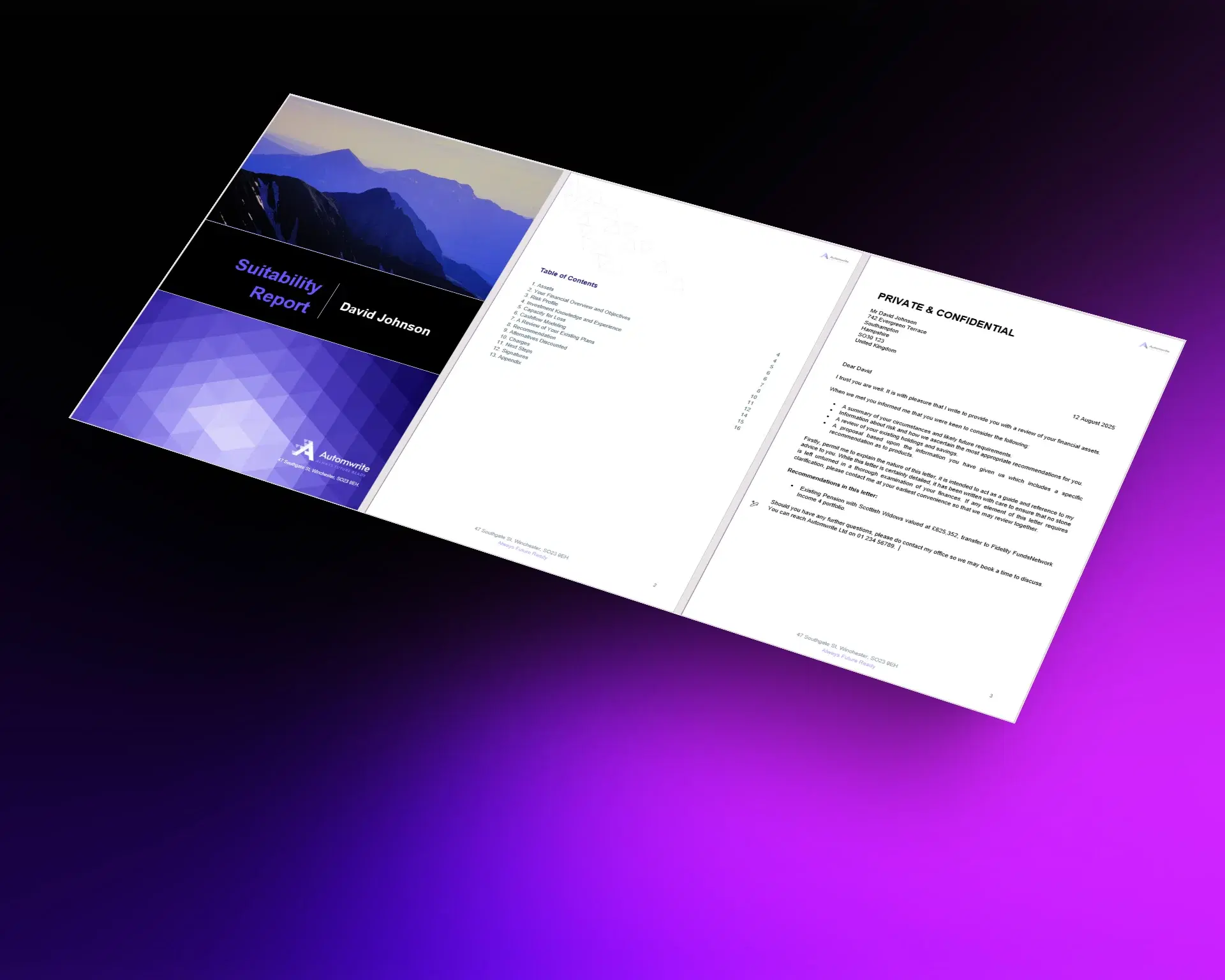
Evidence from the case
The buying decision should rest on a complete working case.
Firms need to see how report coverage, data checks, integrations, review, and issue operate together on a representative case. Automwrite makes that end-to-end outcome available for direct evaluation.
The working report workflow
Automwrite connects the case from evidence to signature.
The product is organised around the operating path required to complete a suitability document.
Named report coverage
Pension, retirement, investment, and review workflows make case coverage visible.
Controls before writing
Missing information, conflicting records, and report checks are handled inside the case.
Completion remains connected
Meetings, Intelliflo, open API, team approvals, Word output, and Adobe Sign move the document forward.
Automwrite vs Obsidian
Compare the complete workflow on a representative advice case.
Report coverage, case controls, integrations, approval, and signing are followed as one connected process.
Automwrite is best for
Obsidian is best for

Proof in production
Checks built into the live report workflow
Client information, meetings, report, and workflow remain connected
Approval and Adobe Sign complete the document path
What the research shows
Automwrite makes the full suitability-report case available for direct evaluation.
Obsidian describes AI practice management, client workflow, and portfolio aggregation. Automwrite concentrates the comparison on named report flows, linked advice, firm formatting, readiness and conflict checks, meetings, Intelliflo, approval, Word output, and signing.
The practical decision comes from one complete case. Each required integration, report step, professional review, and completion action should work in the evaluated product.
Summary
- Client and adviser workflow are covered on both sides.
- Automwrite exposes named case coverage and pre-write controls inside the report process.
- The complete Automwrite case can be evaluated through approval and signature.
Verify the complete workflow
Make the buying decision with a live report, not a roadmap slide.
Set a representative case and require the report, integrations, professional review, and signing path to operate as one complete workflow.
FAQ
Questions to settle before you choose.
Keep comparing
More Automwrite comparisons
Download