Automwrite vs PlannerPal
Each product captures the meeting. Automwrite controls the difficult report that follows.
Meeting capture is table stakes here. Automwrite checks the full case — documents, conflicting records, and firm rules — before writing, then carries linked advice through approval and signing. PlannerPal produces a report from meeting content for adviser review.
Self-onboard in 2 minutes
After the meeting
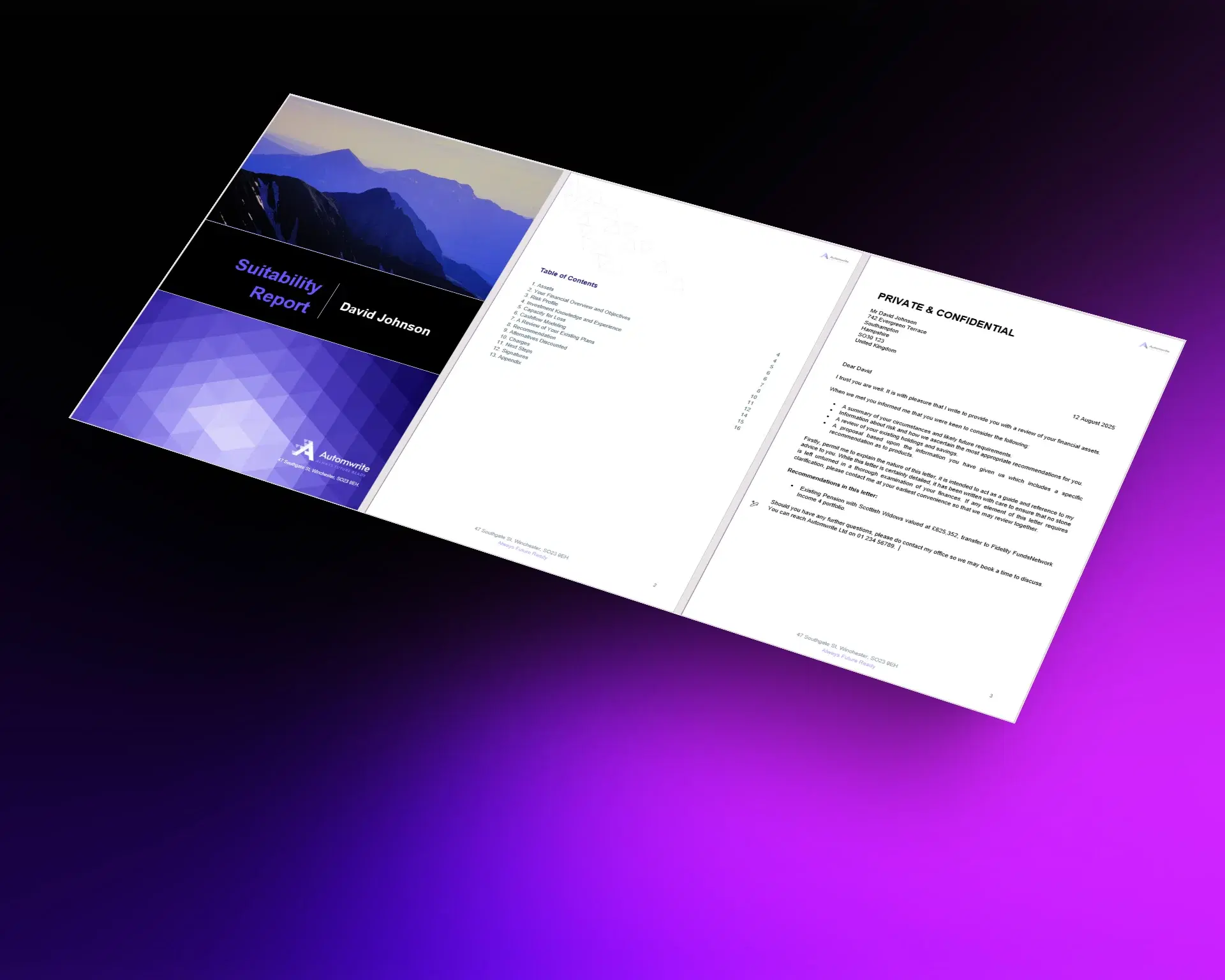
Meeting capture does not complete a complex suitability report.
Several recommendations, pension details, charges, firm wording, inconsistent records, conditional sections, and professional approval still have to become one coherent document.
What sets Automwrite apart
Complex advice remains structured from client context to completion.
Automwrite connects meeting context to a case model designed for multi-advice reports rather than treating transcription as the final product outcome.
Multi-advice composition
Several linked recommendations can be assembled inside one report with dedicated advice flows.
Firm controls beyond templates
Services, fees, risk, platforms, portfolios, charges, and evidence are reusable structured inputs.
Checks and completion
Missing and conflicting information, report review, team approvals, API access, and Adobe Sign extend beyond the writing stage.
Automwrite vs PlannerPal
Compare what happens after the transcript is ready.
The table tracks complex report structure, advice depth, pre-write controls, professional review, and completion on the same case.
Automwrite is best for
PlannerPal is best for

Proof in production
Multiple recommendations remain in one controlled case
Case checks sit between the meeting and the report
Professional approval and Adobe Sign remain in the same workflow
What the research shows
PlannerPal connects the meeting. Automwrite controls the complex report after it.
PlannerPal publishes a meeting-to-report workflow with Intelliflo and Xplan listed. The report is produced from meeting content and reviewed by the adviser.
Turning a transcript into prose is not the difficult part; the paid product must reduce the checking, structure, and correction work that follows. Automwrite applies named complex advice flows, linked recommendations, central firm data, charges, conflict handling, report review, team stages, API access, and Adobe Sign after capture.
Use one difficult multi-advice case and compare conditional structure, factual readiness, charge handling, professional editing, approval, and the final issued document.
Summary
- Each product connects meetings to advice work.
- The decisive work starts after capture: case checks, linked advice, firm controls, and completion.
- Automwrite carries the complex report from checked case data to approval and signing.
Use the hard meeting
Run the meeting that creates the most report work.
Take a multi-recommendation case with charges, source conflicts, and firm-specific wording through both products. Compare the completed document, not the transcript.
FAQ
Questions to settle before you choose.
Keep comparing
More Automwrite comparisons
Download